 Livepeer
 Livepeer Video Jobs Progress From Preflight to Result Validation
A reliable Livepeer submission starts with the correct path, an authenticated request, and compatible media. Record the asset or task identifier returned at creation, complete any required upload, follow the matching status record to a terminal state, and validate the resulting playback or stored output before treating the job as complete.
Last updated:a successful API response can represent several different events: an asset record was created, bytes were accepted, processing began, or the result became ready. Each event needs its own evidence.
Bottom line: A reliable Livepeer submission preserves its asset or task ID, tracks the matching state, and validates playback or stored output before use.
Asset upload and transcode job paths
A managed asset upload suits a video an application wants Livepeer Studio to process, store, and expose through a playback ID. The create request establishes the asset record and returns an upload target. The client then transfers the file, while the asset record carries the processing state.
A storage-to-storage transcode job follows a different contract. It reads an input from a supported remote source, writes requested outputs to configured storage, and returns a task identifier. That task belongs to the Tasks API, so an asset lookup won't describe its completion. Choose this route only when the application owns the input and output storage arrangement.
Livepeer Studio supports TUS resumable uploads and simple PUT uploads for video assets. TUS keeps an upload offset, letting a compatible client continue after an interrupted connection. PUT is the leaner choice when the client can send the whole object in one request and restart the transfer if that request fails.
Each path requires different evidence. An asset flow needs an asset ID, upload state, and playback information. A transcode job needs its task ID, task phase, and the output locations described by the accepted request. Mixing those identifiers can make a successful job look missing.
Gateway access and credential scope
Gateway access starts with the intended API endpoint, project, and bearer credential. Keep that credential on a trusted server, send it only in the authorization header, and separate authentication failures from media errors. A rejected token says nothing about the file. An authenticated request against the intended project confirms the route and identity before a large upload consumes time or bandwidth.
Input readiness before transmission
Input readiness means the selected endpoint can obtain and parse the entire source. For a local upload, confirm the file is readable and stable before transfer begins. For upload-by-URL or a storage-based transcode job, the source must remain reachable by the service without relying on a browser session, local network path, or short-lived page state.
A media probe should identify the container, video and audio tracks, duration, dimensions, frame rate, and obvious decode errors. Compare those properties with the live request contract instead of trusting the extension alone. A correctly named file can still be truncated, contain no video track, or use a combination the selected operation doesn't accept.
Protected inputs need equal care. Don't place durable storage credentials in a public URL or browser bundle. Use the authentication and storage fields the chosen operation supports, and keep viewer access rules separate from permission to read the source.
Profiles, storage, and request intent
The requested profiles define the renditions the application expects from the asset. When an asset upload omits profiles, Livepeer can derive defaults from the source input. If the application supplies custom profiles, preserve the exact accepted set beside the asset ID so later checks compare the result with the request instead of an assumed preset.
Storage and playback policy also belong in this decision. A managed asset can carry playback controls, while a storage-to-storage job writes to the destination named in its request. Upload authorization doesn't decide who may watch the finished video. Set the required playback policy explicitly, and avoid exposing an asset merely because the ingest path succeeded.
The final preflight checklist
The final preflight should stop a malformed or misrouted submission before media bytes move. Each check corresponds to a different failure surface, so one green result can't stand in for the others.
- Confirm the chosen endpoint accepts the intended asset or transcode operation.
- Authenticate against the intended project without exposing the bearer token to client logs.
- Make sure the source opens, has a video track, and remains readable for the transfer.
- Accept derived profiles deliberately or supply the exact rendition settings the application needs.
- Prepare to persist the returned asset or task ID with the request details and current state.
If a preflight check fails, correct the route, credential, input, or request body, then run that check again. Sending the same uncorrected request only creates another ambiguous record.
Where does submission become a real job?
The commitment point depends on the path: an asset enters the workflow when the client sends bytes to its upload target, while an accepted transcode request returns the task to monitor. The asset ID confirms only the record, not a finished transfer or processed video.
The client should capture the returned ID and upload information before transfer starts. It should also retain the intended source name, selected profiles, and playback policy. If the create call ends ambiguously after a timeout, reconcile the project's asset records before issuing another create request. Blind repetition can leave two records for one intended upload.
A transcode request crosses a different boundary. Its accepted response returns a task to monitor, and the task phase reports whether the asynchronous work completed or failed. Treat the output at the requested storage location as complete only after the task reaches a completed phase, not merely because the submission received an HTTP success response.
The asset record as processing evidence
The asset record is the canonical place to interpret an upload's progress. Read status.phase together with progress, updatedAt, and errorMessage when those fields are present. A changing progress value helps with display, while the phase determines whether processing is still underway, ready, or failed. Keep the record tied to the original input and profile set so a similarly named asset can't be mistaken for the requested one.
Webhook and polling confirmation
Webhook delivery can announce asset.ready or asset.failed without continuous polling. Polling the asset endpoint remains useful during development and as a recovery path when an event is delayed. Both methods should resolve to the same asset ID and terminal phase.
Livepeer Studio signs webhook deliveries with HMAC using SHA2-256 and places the signature in the Livepeer-Signature header.
Verify the signature against the raw request body, apply a timestamp tolerance, and compare signatures in constant time. This prevents an exposed callback address from becoming proof of a fake ready event.
After a valid event arrives, retrieve the asset record and confirm its current phase. Treat repeated deliveries as the same event when their object and state match, and make the handler safe to run again. Use the callback to trigger the check, and use the fetched record to read the current phase.
Why does an asset stay in one phase?
An asset may stay in one phase because the upload transport stopped, processing hasn't advanced, or the observer missed a state change. Start with the phase itself and its last update rather than submitting a replacement immediately.
An asset still marked as uploading points back to the transfer. A TUS client can query the acknowledged offset and continue from that position. A failed PUT transfer doesn't provide the same resume behavior, so establish whether the server accepted the object before starting another full transfer.
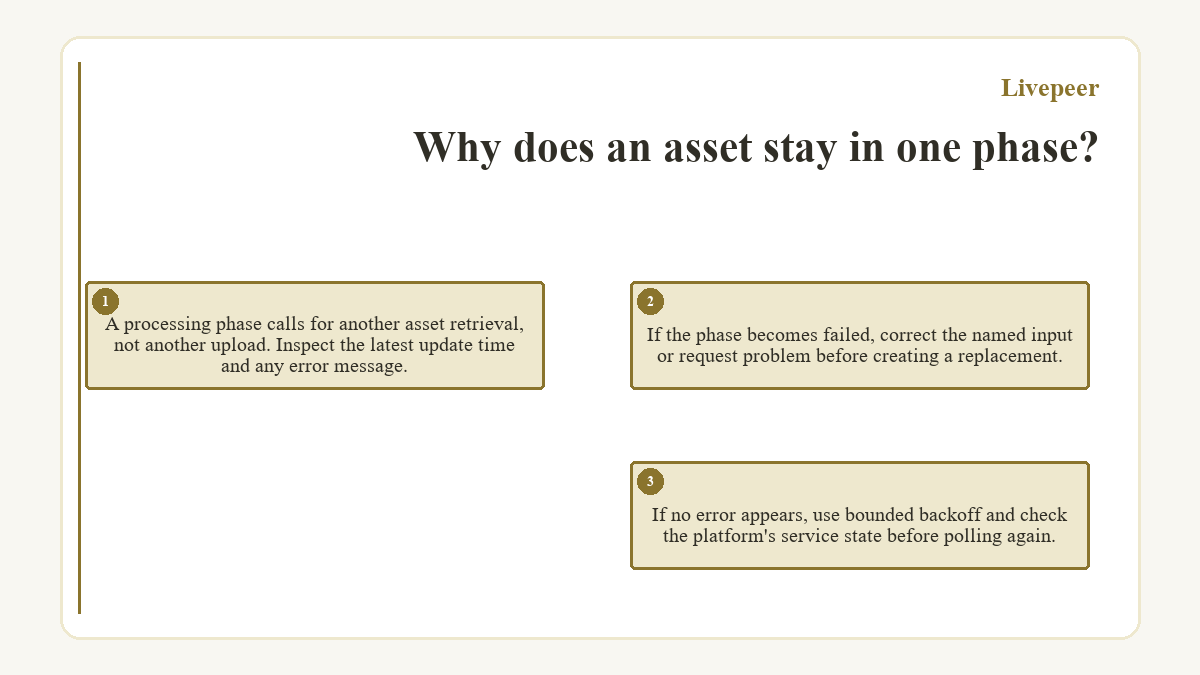
A processing phase calls for another asset retrieval, not another upload. Inspect the latest update time and any error message. If the phase becomes failed, correct the named input or request problem before creating a replacement. If no error appears, use bounded backoff and check the platform's service state before polling again.
A missing webhook is a delivery problem when polling already shows a terminal asset phase. Review the callback response, signature verification, and event handling without reprocessing the media. A valid repeated event should update the same local record rather than trigger a second publish action.
A ready phase ends status recovery and begins result validation. A failed phase ends the attempt, preserving enough detail to submit a corrected request. This split keeps transport retries, processing retries, and playback checks from collapsing into one vague retry loop.
Playback proves the returned asset works
Playback validation confirms the ready asset satisfies the original request. Use the asset's playback ID with the Playback Info endpoint instead of storing a direct playback URL as a permanent contract. The returned playback information reflects the available delivery sources without tying the application to a URL format that may change.
The asset metadata should agree with the intended source and profiles. Compare duration, dimensions, tracks, and rendition information where available. Then open the returned media near the beginning, middle, and end, check audio presence and synchronization, and confirm the player can move between expected renditions. A manifest that loads while later segments fail isn't a complete result.
Access behavior deserves its own test. An authorized viewer should reach protected playback, while an unauthenticated request should receive the policy's intended response. Public assets should open without an access token. These checks prevent a ready status from sending a silent, truncated, inaccessible, or mis-profiled asset into the application.
Helpful answers about Livepeer
May a browser upload media without seeing the API token?
Yes. A trusted server can authenticate the asset creation request, retain the bearer token, and pass the issued upload endpoint plus asset ID to the browser. The browser can then transfer the file with a TUS client. Treat the upload endpoint as a write capability, limit where it appears, and don't put the account token in frontend code, analytics, or client-side error reports.
When does upload-by-URL fit better than sending a local file?
Upload-by-URL fits when the source already sits at a stable location the service can fetch. The URL must stay reachable for the operation and can't depend on a local path or interactive browser session. A direct TUS or PUT upload is the clearer path for a file held by the user, especially when exposing the remote source would require durable credentials in its address.
Must the asset name match the original filename?
No. The asset name is a label and doesn't have to be the source filename. Keep it useful for people, but correlate work with the returned asset ID because names can be reused or edited. Store the original filename separately if the application needs it for support, provenance, or display, and don't use the visible name as evidence that the correct bytes finished processing.